Best TV Settings for Sports: Getting the Living Room Ready for Match Day
- Sent
- Reading time
- 4 min
Watching a big game at home should feel like a small occasion: friends on the sofa, snacks within reach, everybody leaning forward at the same moment. Then the ball turns into a smudge as it flies across the screen, the commentary is drowned out by the crowd, or the afternoon sun bounces off the glass. Most of these problems have nothing to do with the price of the television. They come down to a handful of settings and a bit of thought about the room.
Menus differ between brands and even between models of the same brand, so the names below are general. Look for the closest match on your own set, and keep a note of the original values before you change anything.
Start with the picture mode
Many televisions arrive in a bright, saturated "vivid" or "dynamic" mode designed to stand out on a shop floor. It can make grass look fluorescent and skin tones orange. Switching to a "standard", "natural" or "movie" style mode usually gives a more realistic image to build from. Some sets include a dedicated sports mode; try it, but if the colours feel exaggerated, a calmer mode with a few tweaks often looks better.
Motion settings: the big one for sport
Fast-moving action is where sport differs from films. Televisions use processing with names like motion smoothing, motion interpolation or clear motion to reduce blur when the camera pans quickly. For many viewers, a low or medium setting makes a moving ball easier to follow. Turned all the way up, the same feature can create a strangely smooth "video" look or small glitches around players. Experiment during a replay or a quiet spell of play and settle on what looks natural to you.
Brightness, contrast and sharpness
- Brightness and backlight: raise the backlight for daytime viewing in a sunny room, lower it for evening games so the image does not feel harsh.
- Contrast: high enough that white shirts and lines stay crisp without losing detail in the crowd.
- Sharpness: often set too high out of the box. A lower value avoids bright halos around players and the edges of the pitch.
- Energy saving: some eco modes dim the picture automatically when the scene changes, which can be distracting during a match.
Sound that keeps the commentary clear
Television speakers are small, and stadium noise can bury the voices. Look for a dialogue or voice enhancement option and try it. An auto volume or night mode can even out the jump between quiet play and loud adverts. If you use a soundbar, check that the TV's audio output is set to send sound to it and that the internal speakers are switched off, so you are not hearing two slightly mismatched sources.
Arrange the room around the screen
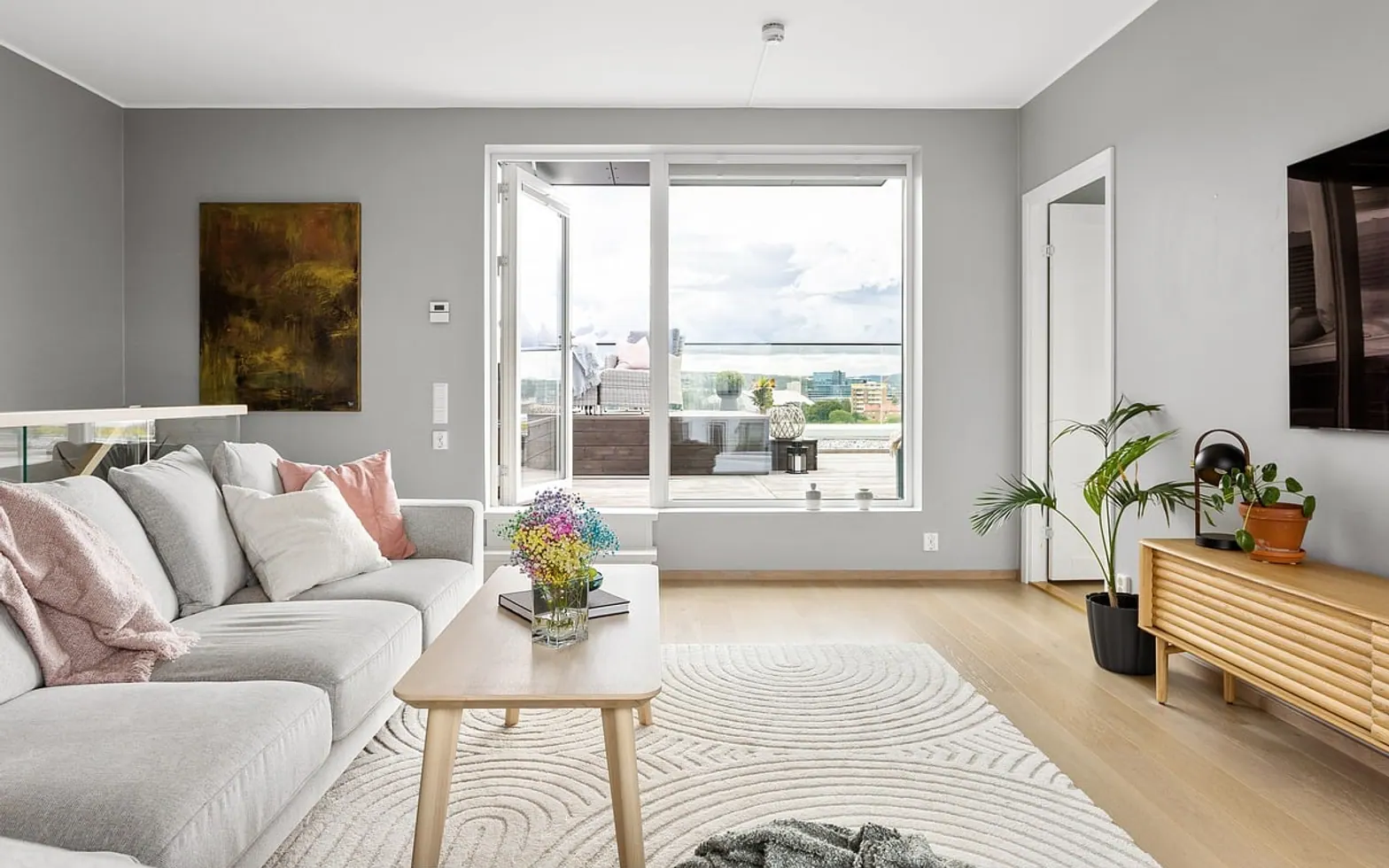
Glare is the enemy of afternoon kick-offs. Close blinds on windows facing the screen, and if you can, angle the seating so nobody sits with a bright window directly behind them. For evening matches, soft background light behind or beside the television is easier on the eyes than a dark room with one glowing rectangle. Our guide to layered living room lighting covers dimmers, lamps and placement in more depth.
| Situation | Quick fix |
|---|---|
| Ball looks blurred on fast passes | Try a low or medium motion setting |
| Grass looks unnaturally bright | Leave vivid mode; lower colour slightly |
| Commentary hard to hear | Turn on dialogue enhancement or adjust the soundbar |
| Reflections from a window | Close blinds or move the main seats |
| Picture dims on its own | Switch off automatic energy saving |
Prepare the stream before kick-off
If you watch through an app or an internet TV service, open it well before the start. Check for app updates, sign in on the right profile and make sure the device is on the strongest Wi-Fi band, or better still connected by cable. Ask others in the house to pause large downloads during the match. Only use licensed services and official broadcasters for live sport; besides being the right thing to do, they tend to offer a far more reliable picture.
Small comforts that make it an event
- Charge the remotes and keep spare batteries nearby.
- Put drinks and snacks on a side table, not the floor in front of the screen.
- Agree house rules for younger fans before the match, not at half time.
- Keep a cushion or two spare for the late arrivals.
Supporting from the sofa
Whether you follow a giant of the game or a club rebuilding with a long-term plan, such as RCD Espanyol's approach to its future, match day at home is part of being a fan. Spend ten minutes on these settings once, save them if your TV allows, and every game after that starts with a clearer picture and fewer distractions.
Across the sections
Don’t miss these


Something to add?
We read every message.